







El Nido Resorts awarded as one of the best resorts in the world
Condé Nast Traveller Readers' Choice Awards 2023 unveils its latest ranking
By Rey Ilagan


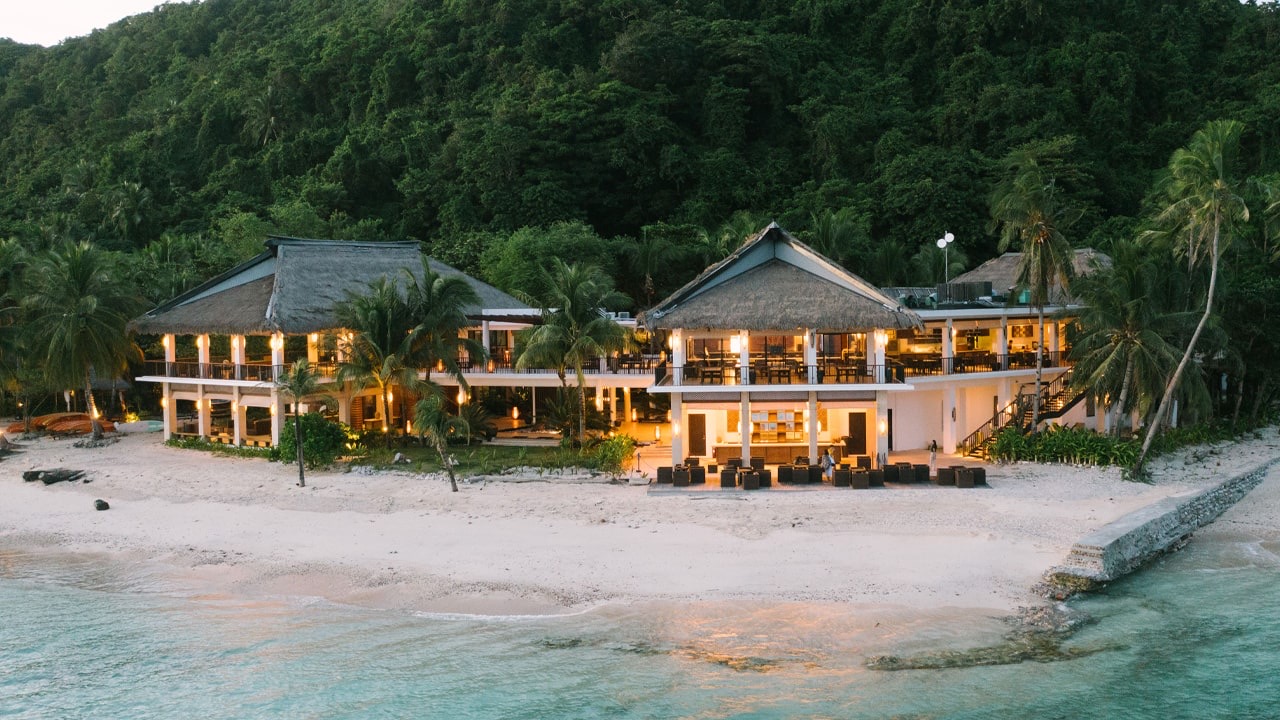
El Nido Resorts, the group of eco-sustainable island resorts located in Palawan, received prestigious recognition from Condé Nast Traveller for its Readers’ Choice Awards 2023. The group’s Pangulasian, Miniloc, and Lagen Island Resorts ranked as No. 1 Best Resorts in the Philippines, No. 2 Best Resorts in Asia, and No. 39 Best Resorts in the World.
“We are honored to bring the Philippines’ natural wonders to global acclaim as we recognized for the 8th time as one of the Best Resorts in Asia and the World by the Condé Nast Traveller for its Readers Choice Awards,” the resort posted on Instagram. “Our heartfelt gratitude to all who voted for us, your unwavering support inspires our commitment to provide world-class sustainable stays.”
In its 36th edition, Condé Nast Traveller Readers’ Choice Awards continues to capture the essence of travel based on its readers’ experiences with hotel, airline, cruise, island, and luggage preferences. For 2023, 526,518 casted their voice for its annual awards survey with “seventy-five percent of you told us that you used up all your vacation days, often to take longer, immersive trips-the kind that resorts on distant plains or stamp-size islands are well-equipped to deliver.”
For the full list, visit Condé Nast Traveller’s website.